
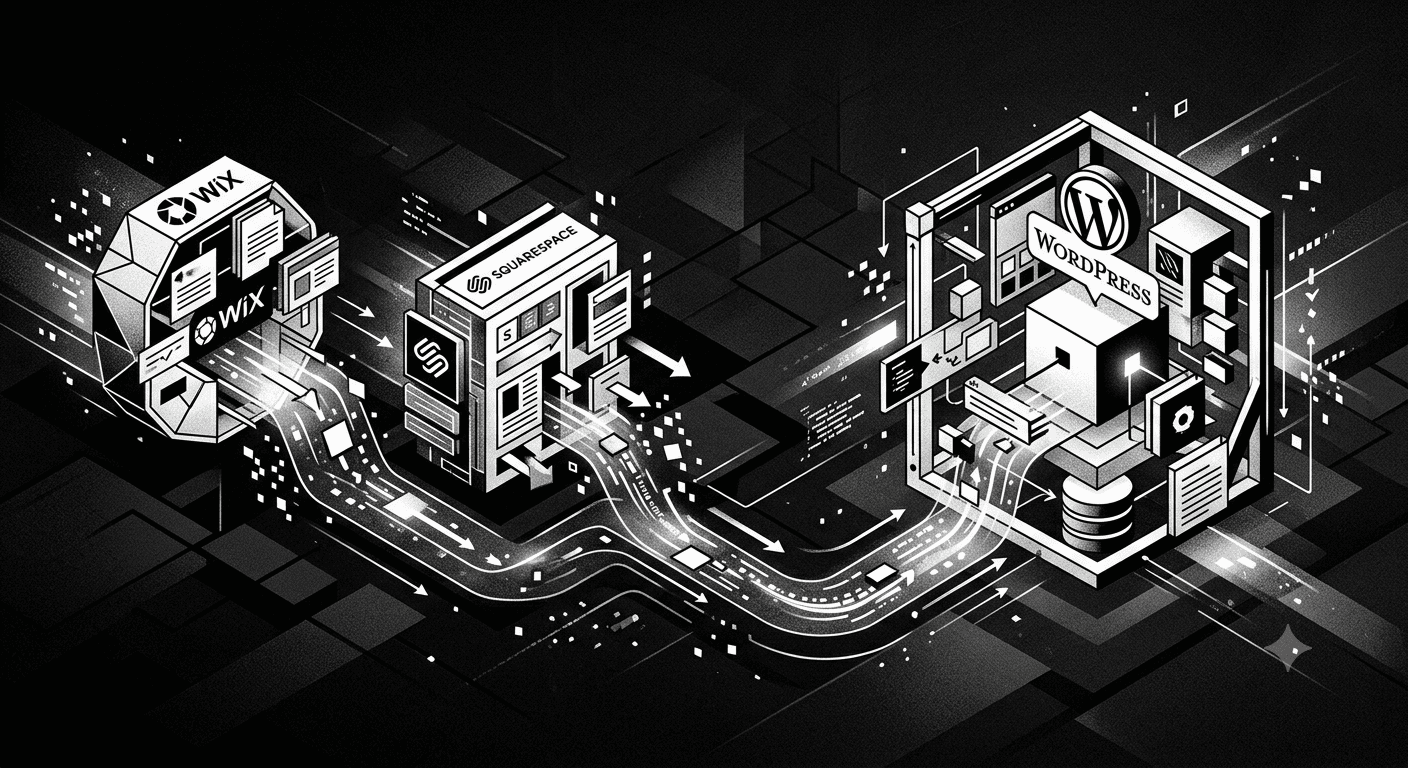
Should You Migrate From Wix or Squarespace to WordPress?
Wix and Squarespace are easy to start with, but businesses that grow past a basic online presence often run into limits these platforms weren’t built to handle.
Quick answer: Migrate to WordPress when you need more design flexibility, better SEO control, faster performance at scale, or specific functionality that Wix or Squarespace’s app ecosystem can’t support without heavy compromises.
Why Businesses Outgrow Wix and Squarespace
These platforms are built for simplicity, not scale. That trade-off works well for a small starter site, but becomes limiting once a business needs deeper customization, faster load times, or more control over how content and SEO elements are structured.
Signs It’s Time to Move to WordPress
You’ve hit design or functionality limits. If you find yourself unable to build a specific layout or feature without an awkward workaround, that’s a sign the platform’s flexibility has run out.
SEO control feels restricted. WordPress offers more granular control over URL structure, meta data, and technical SEO elements than most drag-and-drop builders allow.
Site speed is lagging. Wix and Squarespace sites can slow down as pages and content grow, since much of the underlying code isn’t something you can optimize directly.
You need specific integrations. WordPress’s plugin ecosystem is significantly larger, making it easier to add custom functionality like advanced booking systems, membership areas, or complex forms.
Content marketing is a growing priority. WordPress’s blogging and content tools are generally more robust for businesses planning to invest seriously in SEO-driven content over time.
What Migration Actually Involves
Moving from Wix or Squarespace to WordPress isn’t a simple export-import process. It typically involves rebuilding pages within WordPress’s structure, migrating content and images, redirecting old URLs to preserve SEO value, and testing functionality before the new site goes live.
Done properly, a migration preserves your existing search rankings. Done poorly, it can cause a temporary or lasting drop in traffic.
Common Mistakes During Migration
Not setting up proper URL redirects. If old page URLs change without redirects in place, search engines lose track of your existing rankings, often causing a traffic drop.
Migrating content without reviewing it first. A migration is a good opportunity to clean up outdated content, but rushing the process without reviewing what to keep can carry over clutter unnecessarily.
Skipping a pre-launch SEO check. Meta titles, descriptions, and schema markup should be verified on the new WordPress site before it replaces the old one, not fixed afterward.
Underestimating the design rebuild. WordPress doesn’t automatically replicate a Wix or Squarespace design. Expect some visual rebuilding, even if the goal is to keep the overall look consistent.
Weighing the Trade-off
WordPress offers more control and scalability, but it also comes with more responsibility. Hosting, security, and updates need to be managed, either by your team or through a maintenance plan, unlike Wix and Squarespace’s fully managed environment.
This trade-off is usually worth it once a business has outgrown the simplicity these builders offer, but it’s a real shift in how the website is maintained going forward.
How CraftArchitech Can Help
For businesses considering this move, WordPress development services cover migration planning, content transfer, and SEO-safe redirects to help preserve existing search visibility during the switch.
Once migrated, website optimization and maintenance covers the ongoing hosting, security, and update responsibilities that come with a self-managed WordPress site.
Conclusion
Wix and Squarespace serve their purpose well for simple starter sites, but businesses that need more design flexibility, SEO control, or functionality often reach a point where WordPress becomes the more practical platform. A properly planned migration, with attention to redirects and SEO continuity, protects existing traffic while opening up more room to grow.
FAQs
Will I lose my current SEO rankings when migrating to WordPress?
Not if the migration is done properly, with URL redirects and meta data preserved. Rankings are more at risk when migrations skip this step.
How long does a typical Wix or Squarespace to WordPress migration take?
This depends on site size and complexity, but a small to mid-sized site migration generally takes a few weeks when planned properly.
Can I keep my existing design when moving to WordPress?
The overall look can often be recreated, but expect some rebuilding since WordPress doesn’t directly import Wix or Squarespace designs.
Is WordPress more expensive to maintain than Wix or Squarespace?
It can involve more ongoing responsibility for hosting and security, but this cost is often offset by lower long-term platform fees and greater flexibility.
Do I need technical knowledge to manage a WordPress site after migration?
Basic content updates are manageable for most users, though technical maintenance like updates and security is often better handled through a maintenance plan.