
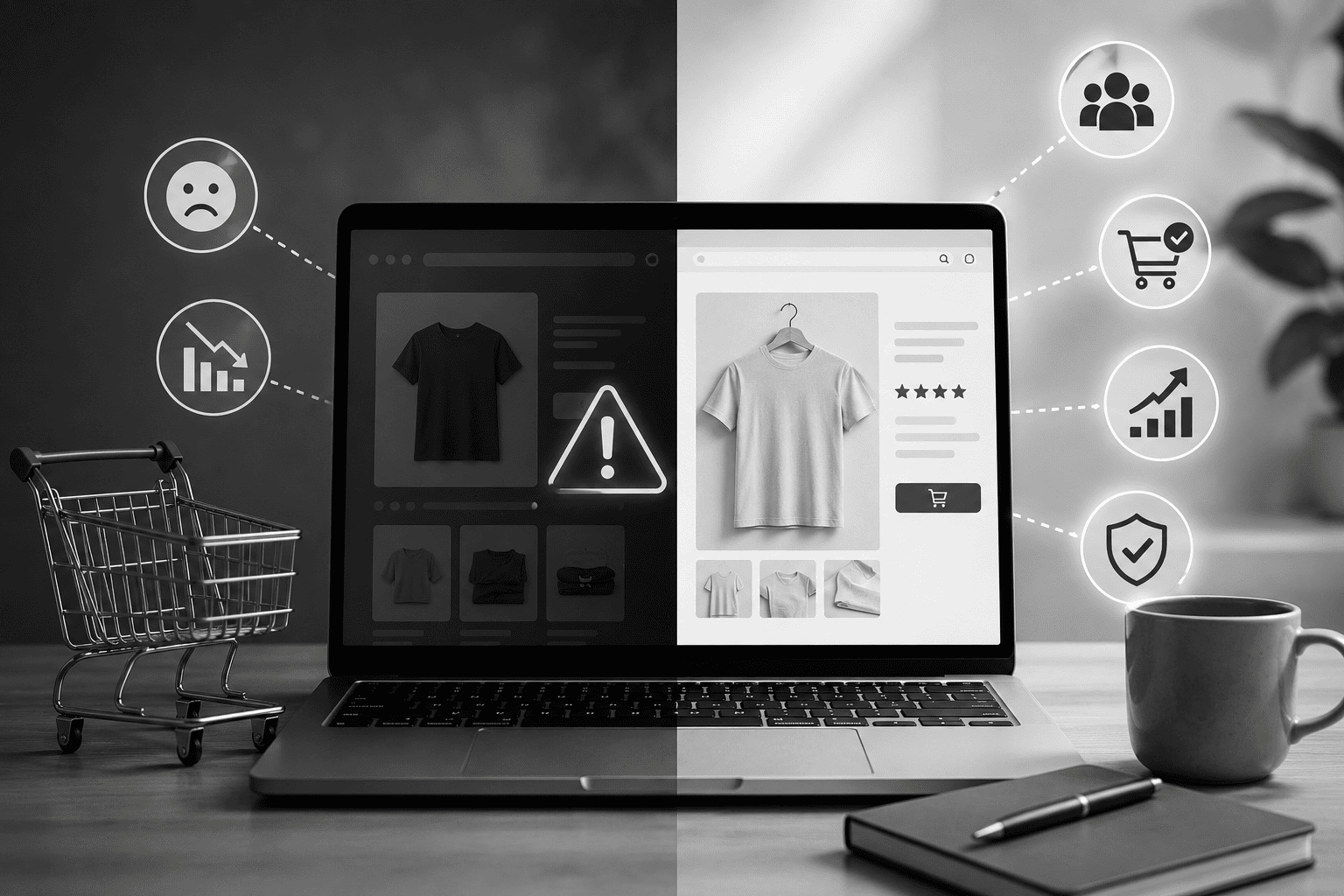
Why Your Shopify Store Isn’t Converting — And the Fixes That Actually Work
You’ve done everything right on the marketing side. Traffic is coming in. People are landing on your product pages. And then… nothing. They leave. The cart sits empty. The conversion rate hovers somewhere between 0.4% and 0.9% while you pour more budget into ads that send more people to a store that won’t close the sale.
This is the most common and most expensive problem in ecommerce — and it’s rarely about the product.
The following are the real reasons Shopify stores fail to convert, diagnosed from the patterns that appear consistently across underperforming stores. Each one has a specific, implementable fix. None of them require a complete rebuild.
Problem 1: Your Mobile Experience Is “Technically Responsive” — Not Actually Usable
There’s a meaningful difference between a Shopify store that displays on mobile and one that genuinely converts on mobile. Most stores land in the first category.
The symptoms: High mobile traffic, dramatically lower mobile conversion rate than desktop. Visitors scroll a product page on mobile, don’t find what they need immediately, and leave.
Why it happens: Most Shopify themes are designed desktop-first and scaled down for mobile. The result is a layout that technically functions on a small screen but wasn’t designed for the way people actually shop on their phones — thumb navigation, one-handed scrolling, small screen real estate.
The specific fixes:
- The Add to Cart button must be visible without scrolling on even the smallest common screen (iPhone SE / 375px width). If a customer has to scroll past a full product image before seeing the CTA, you’re losing sales.
- Product images should swipe horizontally with a finger swipe gesture, not require precise tapping on tiny navigation arrows
- Size or variant selectors should have tap targets of at least 44px height — anything smaller causes mis-taps and frustration
- Review content should be summarised above the fold (star rating + count) rather than requiring scrolling to a reviews section
Problem 2: Your Product Page Doesn’t Answer the Questions That Stop People Buying
Every customer arriving at your product page has a set of questions in their head before they’ll add to cart. If your product page doesn’t answer those questions — explicitly, without requiring scrolling or clicking to another page — they won’t buy.
The universal buying questions:
- Is this the right size / fit / specification for me?
- Is this genuinely good quality, or does it look better in photos?
- What happens if it doesn’t work out? Can I return it?
- When will it actually arrive?
- Have other people bought this and been happy?
The fix — a conversion-ready product page hierarchy:
- Strong product title with key specification
- Price with any discount clearly shown
- Star rating + review count (clickable to reviews section)
- Variant selector (size, colour) with size guide link immediately adjacent
- Add to Cart button — prominent, high-contrast, unmissable
- Key trust signals in a row: free shipping threshold, return policy, secure payment
- Short benefit-led description (3 to 5 bullet points)
- Detailed product specifications
- Full reviews section with photos
Everything above the Add to Cart button answers “can I trust this?” Everything below it provides detail for buyers who need more before deciding.
Problem 3: Your Store Takes More Than 3 Seconds to Load on Mobile
Mobile page speed is a conversion killer with a measurable, well-documented impact. For every additional second of load time past 2 seconds, ecommerce conversion rates drop by an estimated 4 to 8%.
A Shopify store loading in 4.5 seconds on mobile — entirely normal for a theme-based store with several installed apps — is converting at a fraction of what it would at 1.8 seconds.
Common speed culprits on Shopify:
- Uncompressed product images (uploading 3MB JPEGs when 150KB WebP would be identical quality)
- Multiple review, loyalty, and chat apps each loading their own JavaScript on every page
- A premium Shopify theme with animations, parallax effects, and video backgrounds designed to look impressive at the cost of load time
- Third-party font libraries loading dozens of font files when only two weights are used
The diagnosis: Run your store through Google PageSpeed Insights (mobile tab). A score below 50 is a serious conversion problem. Scores below 30 are common on app-heavy Shopify stores and represent significant revenue loss.
The fix priority order:
- Compress and convert all product images to WebP format
- Audit every installed Shopify app — remove any not actively generating revenue
- Implement lazy loading for below-the-fold images
- Defer non-critical JavaScript
Problem 4: Your Checkout Is Losing Sales at the Final Step
Cart abandonment rates above 70% on a Shopify store indicate checkout friction — barriers at the final step that break the purchase flow for customers who had already decided to buy.
The most common Shopify checkout friction points:
Forced account creation: Requiring customers to create an account before checking out is one of the highest-impact conversion killers in ecommerce. Enable guest checkout in your Shopify settings immediately if it isn’t already active.
Unexpected costs at checkout: Shipping costs, GST additions, or payment gateway surcharges appearing for the first time at checkout cause significant abandonment. Customers who encounter ₹120 in unexpected shipping on a ₹400 order overwhelmingly abandon. Display total cost expectations clearly on product pages.
Too many checkout steps on mobile: Every additional screen in the checkout flow increases abandonment probability on mobile. Shopify’s native checkout is well-optimised, but third-party checkout modifications or custom checkout flows can introduce unnecessary friction.
Missing payment options: Indian customers expect UPI, net banking, and major wallets alongside card payments. A checkout that only accepts credit and debit cards loses a meaningful percentage of Indian buyers immediately.
Problem 5: You Have No Trust Infrastructure
A customer arriving at your store for the first time has never heard of your brand. They have no reason to trust you with their money yet. Your store’s job is to build that trust fast — before they bounce.
Trust signals that most underperforming Shopify stores are missing:
- Customer reviews with photos — not just star ratings, but written reviews from real buyers showing the product in context
- A clear, prominently placed returns policy — not buried in the footer, but visible on every product page
- A real “About Us” page — who you are, where you’re based, why you started this brand. Anonymous stores convert poorly.
- Security badges at checkout — “SSL secured,” payment provider logos
- Social proof numbers — “2,400+ customers served,” “4.8/5 from 340 reviews”
None of these require development work. Most can be added in an afternoon.
When DIY Fixes Aren’t Enough
The fixes above are actionable immediately and will improve conversion rates meaningfully for most stores. But if your store has deep structural problems — a product page layout built into the theme that can’t be restructured without code, speed issues caused by theme architecture rather than fixable assets, or checkout flow limitations — professional Shopify development intervention delivers results that surface-level fixes cannot.
CraftArchitech’s Shopify development services include full conversion audits that identify exactly where your store is losing buyers — and development work that fixes the structural issues a theme’s settings panel can’t reach.
For stores that need both conversion optimisation and organic traffic growth, the team’s integrated SEO and Shopify services address both simultaneously.
Frequently Asked Questions
Q1: What is a good conversion rate for a Shopify store in India?
Industry benchmarks suggest 1% to 3% as a healthy range for general ecommerce. Fashion and lifestyle stores often target 2% to 4%. Stores below 1% have significant conversion issues. Stores above 3.5% are performing exceptionally well and typically have professional conversion architecture in place.
Q2: Does more traffic automatically improve conversion rate?
No. Conversion rate is independent of traffic volume. Sending more traffic to a store that converts at 0.8% produces more sales proportionally, but doesn’t fix the 0.8% problem. The only way to improve conversion rate is to improve the store itself.
Q3: How quickly can conversion rate improvements show results?
Fixes like enabling guest checkout, compressing images, and adding trust signals can show measurable conversion improvement within days of implementation. Structural changes to product page layout and checkout flow take longer to implement but typically show clear improvement within 2 to 4 weeks of deployment.
Q4: Should I rebuild my Shopify store or fix what I have?
A professional audit helps make this decision. If the underlying theme architecture is causing speed and layout problems that can’t be fixed at the settings level, a rebuild on a better-coded foundation is often more cost-effective than incremental fixes. If structural issues are limited, targeted development work is usually sufficient.
Q5: Can Shopify apps hurt my conversion rate?
Yes, significantly. Every app installed on a Shopify store adds JavaScript that loads on every page visit. Stores with 15 to 20 apps installed commonly have mobile PageSpeed scores below 30 — dramatically reducing conversion rates. Audit your app stack and remove any app not actively generating measurable revenue.
Stop Losing Sales to a Store That Isn’t Built to Convert
Every day your Shopify store converts at below 1.5% is a day you’re spending marketing budget to send visitors to a store that sends them back empty-handed.
Get a free Shopify conversion audit from CraftArchitech — and find out exactly which specific issues are costing you sales, with a clear priority fix list.